



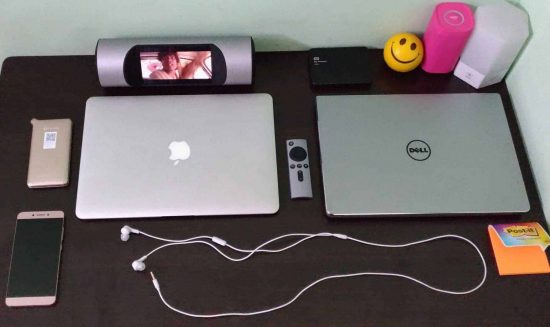

To bring back the trend of old picnics, and make your outings memorable like in 80’s, ZBINNO, a startup company in China came up with an interesting travel gadget Miro, which is a portable smart media player. The campaign is live on IndieGoGo now, but I got a chance to test the Miro before the campaign kick-started. So, here’s my review on how this smart media player can be the best travel companion while going out with friends and family.
ZBINNO Miro Smart Media Player Review:
This is not the first time I reviewed a music-related gadget, but I’m excited because of the trend it brought back from dead. Before talking about the performance and stuff, let me put down the specifications to make you awestruck!
Miro Smart Media Player Key Specifications:
- 5.5′ HD capacitive touch screen display
- 1GB RAM | 8GB ROM
- 1.3 GHz ARM Cortex Quad-core processor
- ARM Mali-400MP2 GPU
- Android v5.1 Lollipop
- Bluetooth 4.0
- 4,500 mAh battery [7.5v]
- Play time – 6 to 8 hours/ requires 1.5 hours to charge fully
- 2 x 10W Speakers
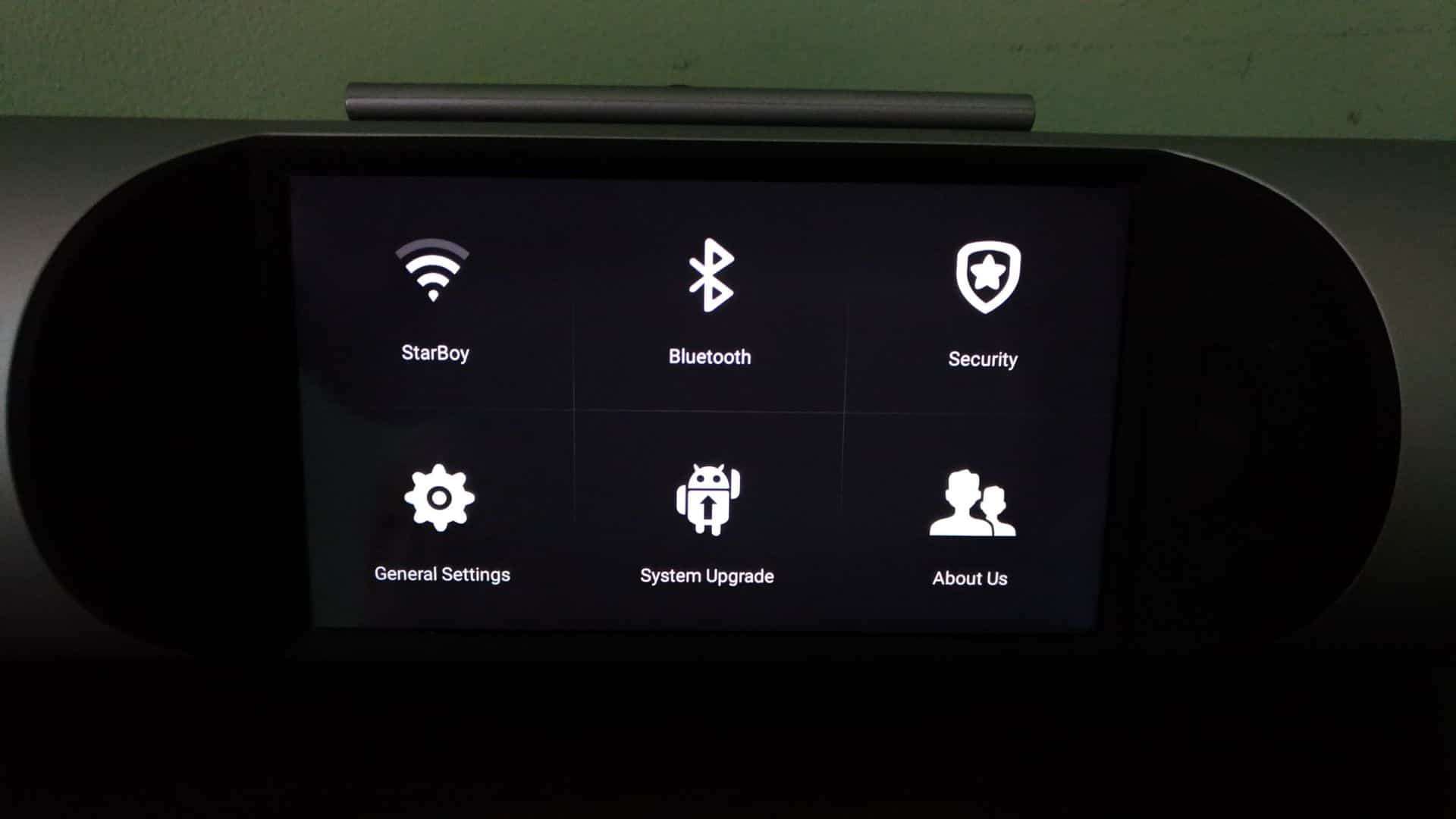
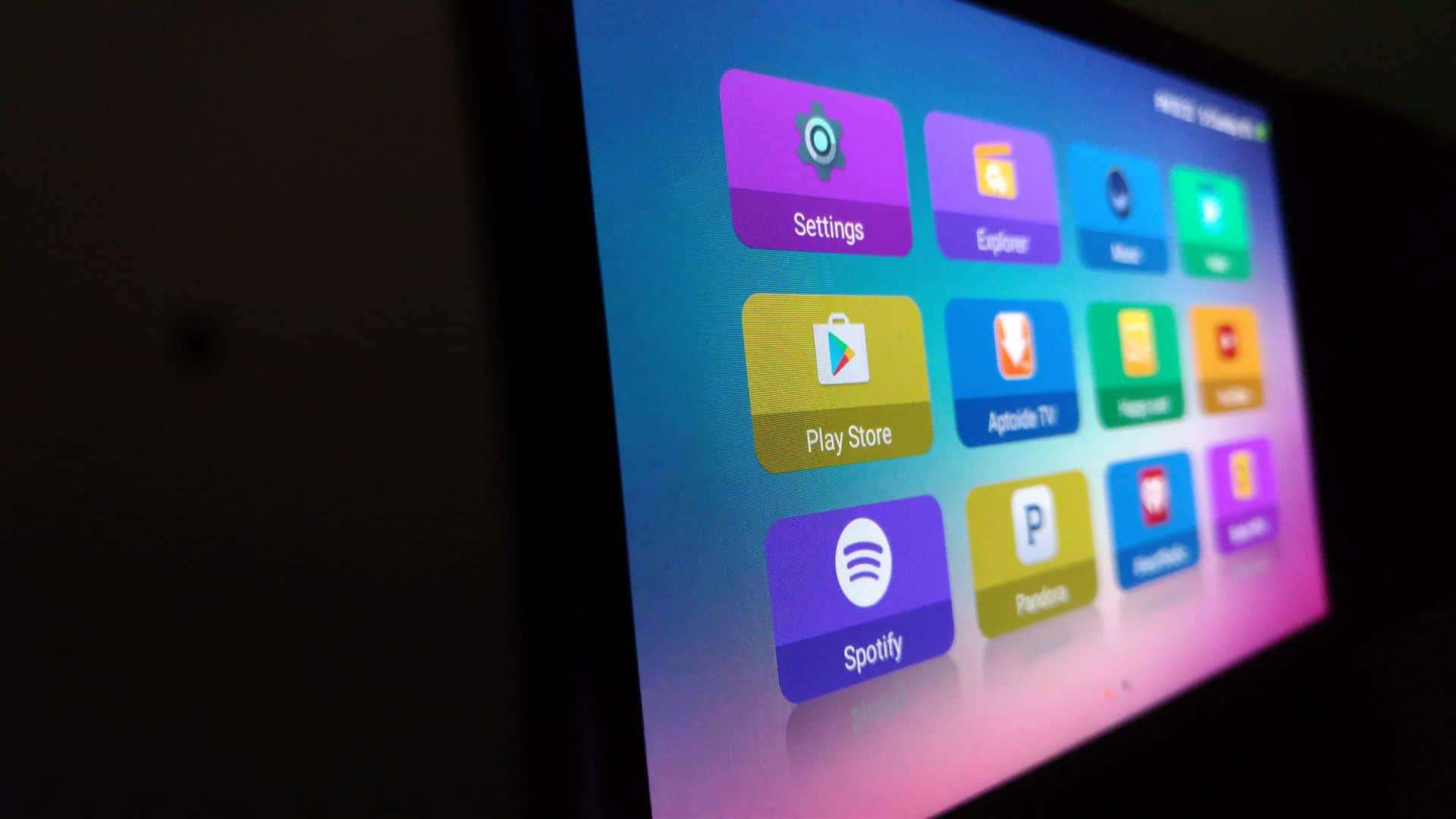
Excited? Yes! This smart media player has every major specification you see in a budget-end smartphone except the camera segment. Well, I don’t understand why you need a camera in a 900gm portable Bluetooth speaker. Anyhow, as it runs on Android, you can install every app you love just like you do on your phone. But, the internal memory is pretty small [8 Gigs], so only the relevant applications can get the work done, and you can’t increase the memory as it doesn’t have microSD support. But, there’s a way to get things done!
Anyhow, how on Earth this portable smart media player can bring back the old trend of hanging out with friends [picnic] like in ’70’s & the ’80’s? To make this clear, let me tell what all it can do-
- This is not yet another music player that plays songs from a Bluetooth device; you can also watch videos both online and offline
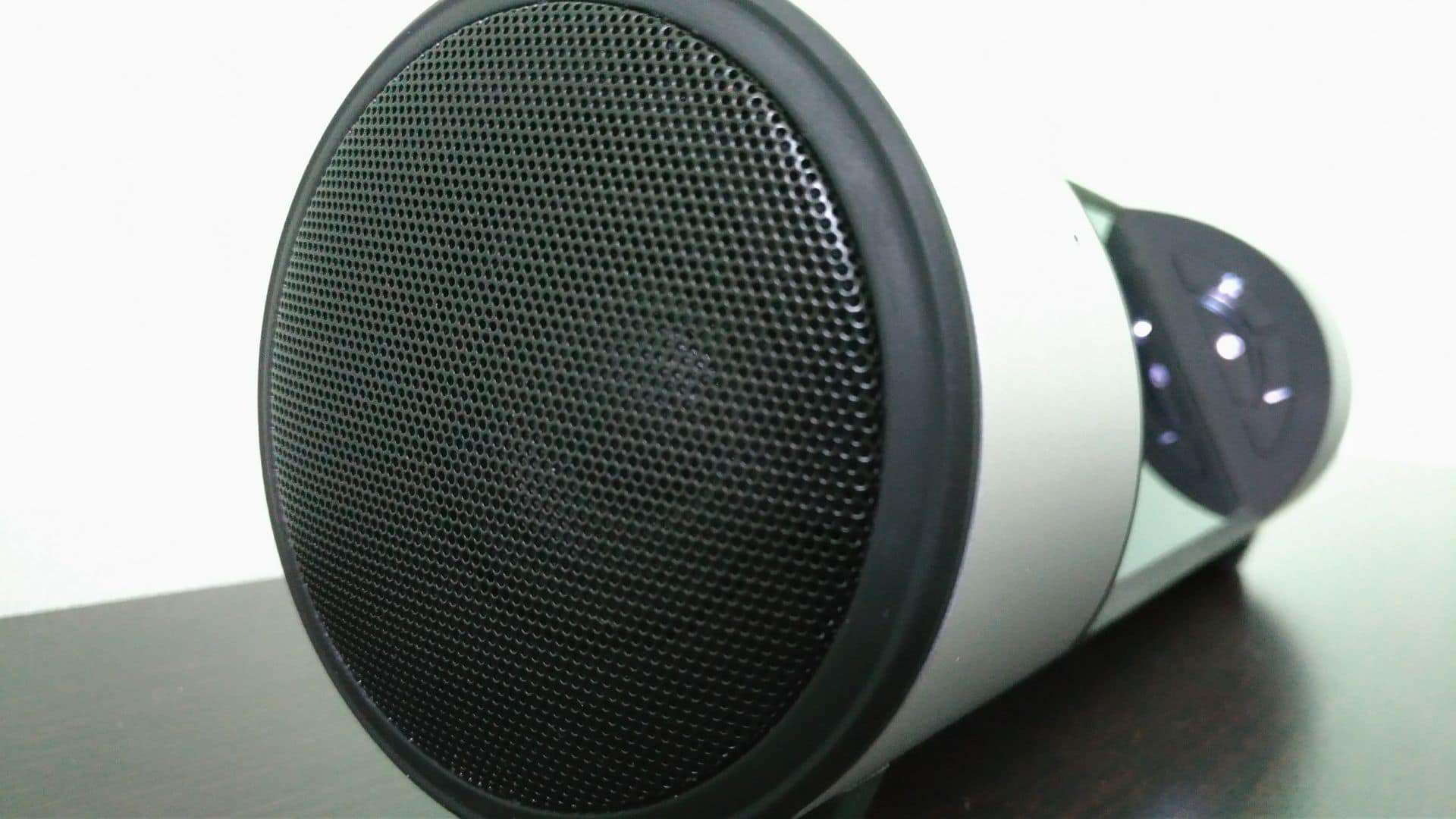
- It is loud enough to make you dance! It has a 10W audiophile speaker with an 80dB of sound which beats the hell out the bass
- You can turn the smart media player into a mini gaming station [may not be a Nintendo Switch]
- It can become a power bank when your smartphone needs some juice [power]
- You can cast your phone screen and play the songs either using AirPlay for iPhones or DLNA for Android smartphone
The applications of this travel gadget are endless, and I’m sure after reading my complete review, you’ll know why it’s going to set a new trend in Bluetooth speakers!
Now, let me start my review-
Design & Display:
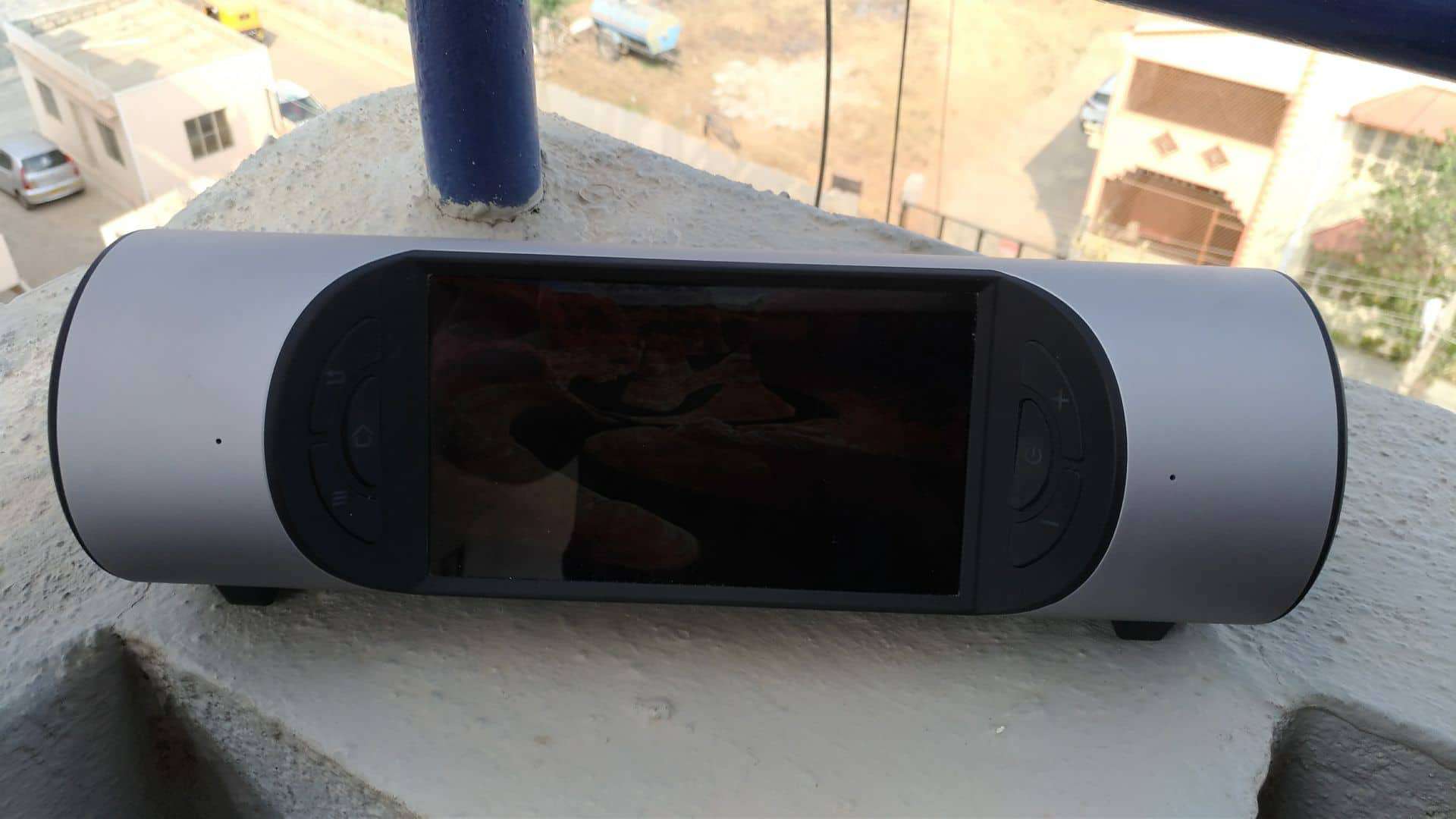
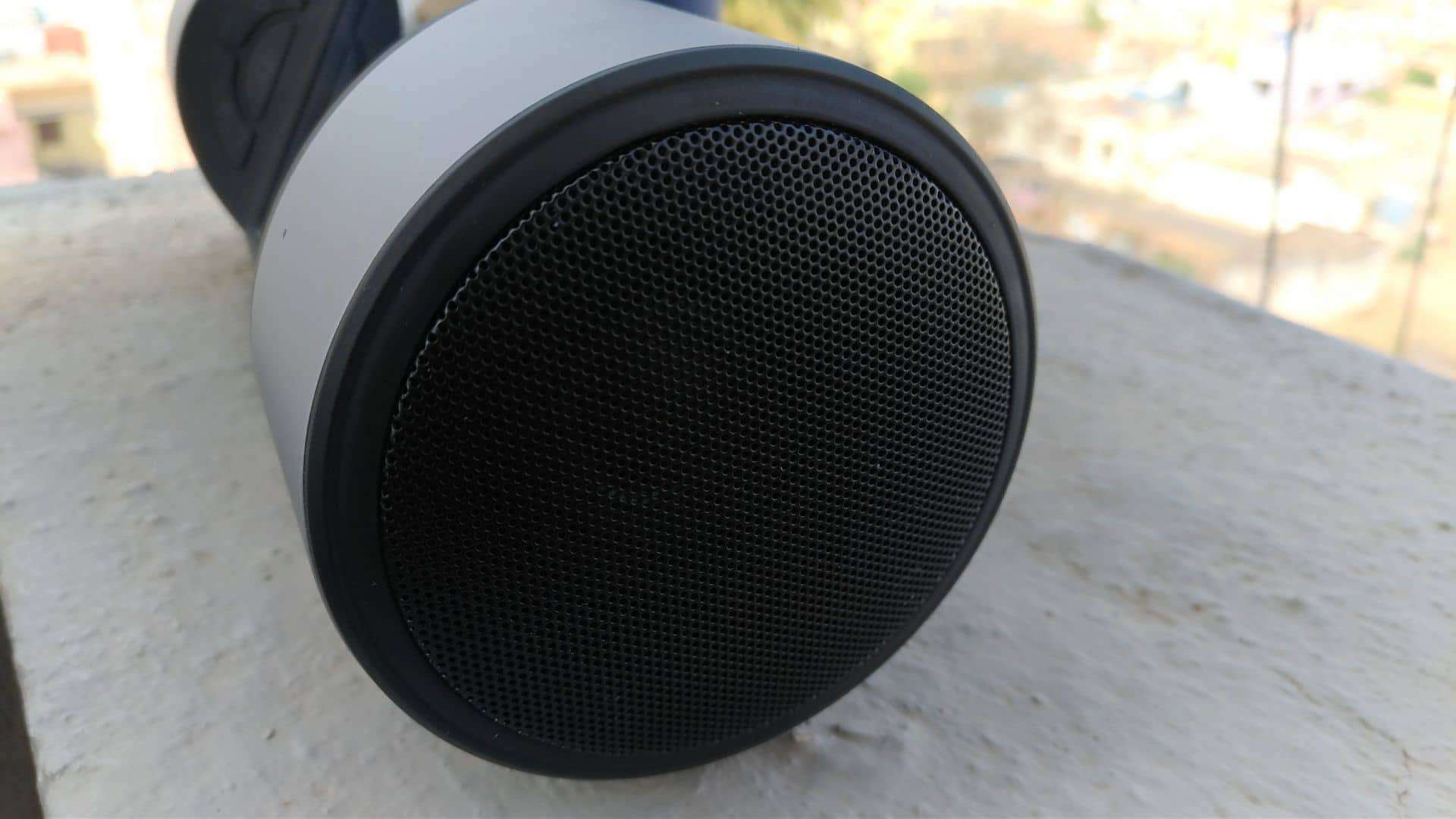
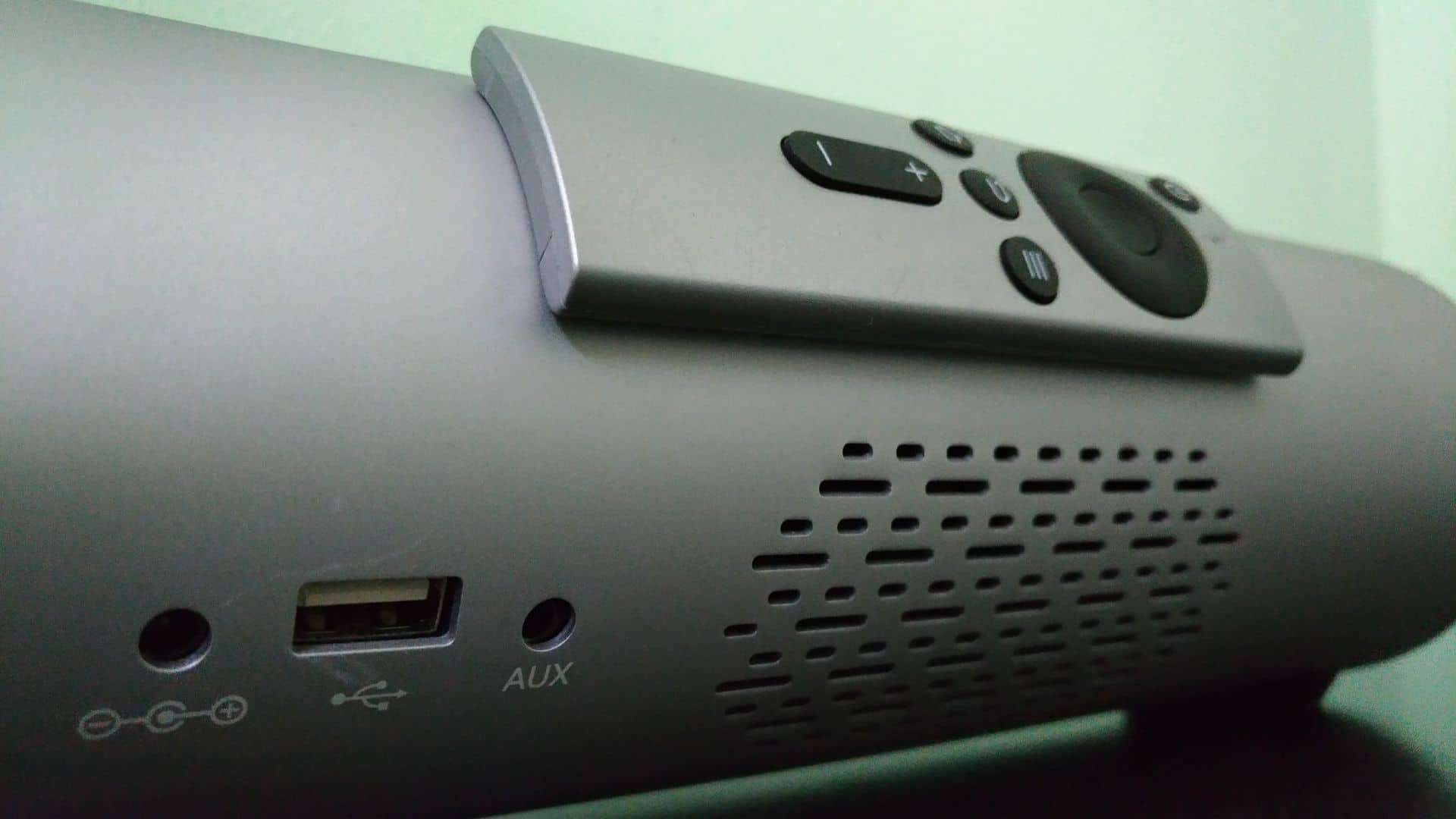
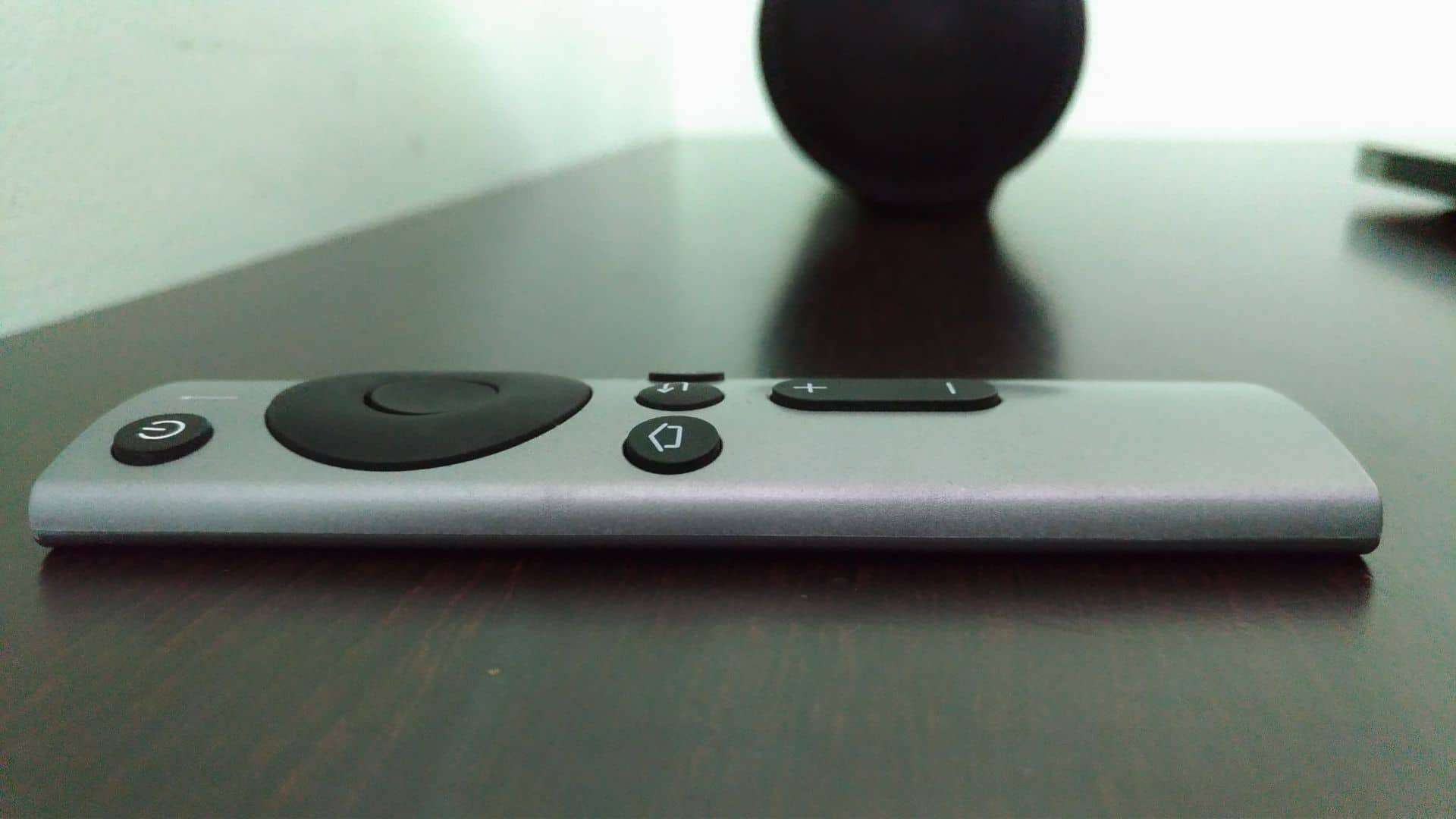
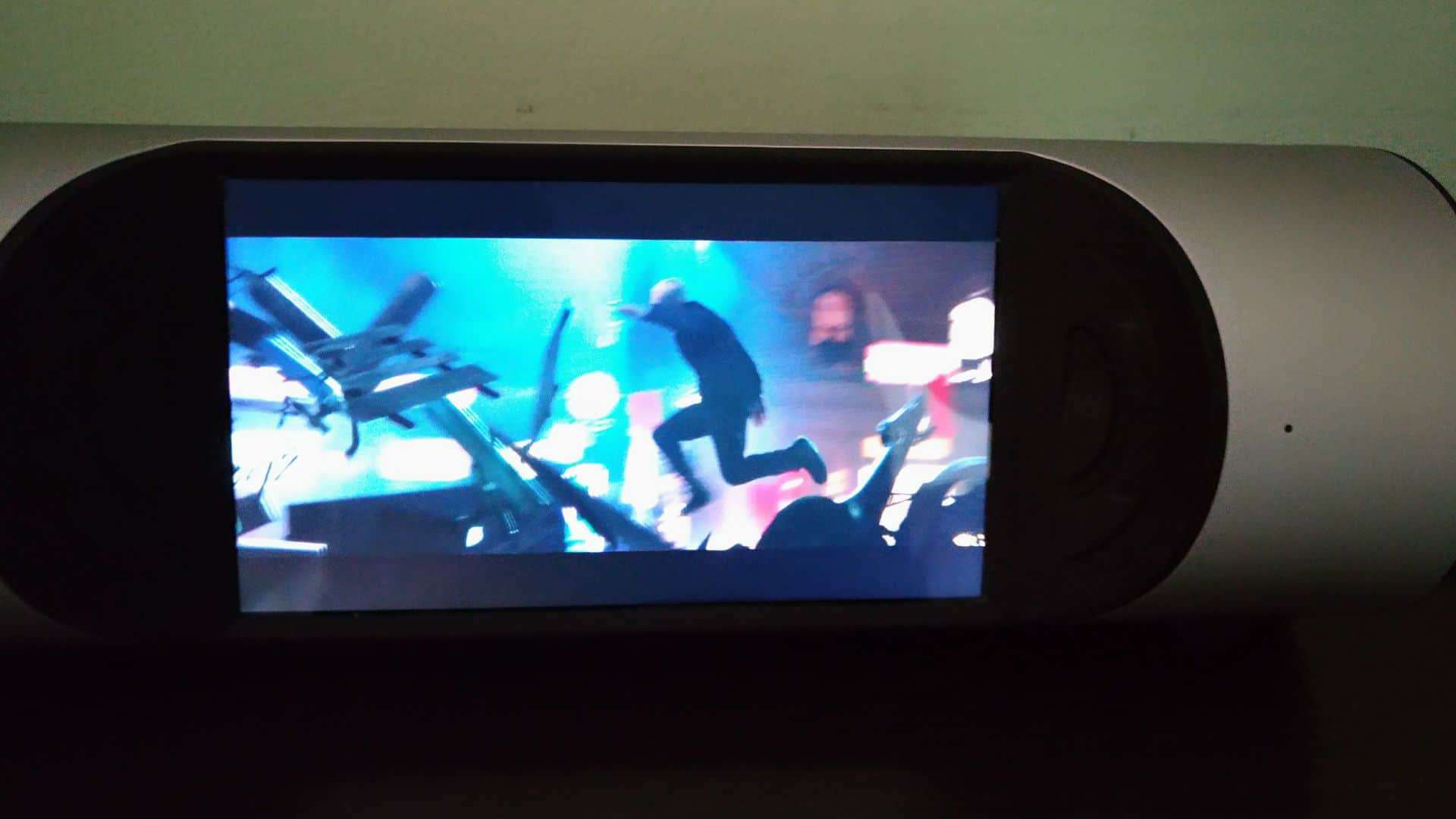
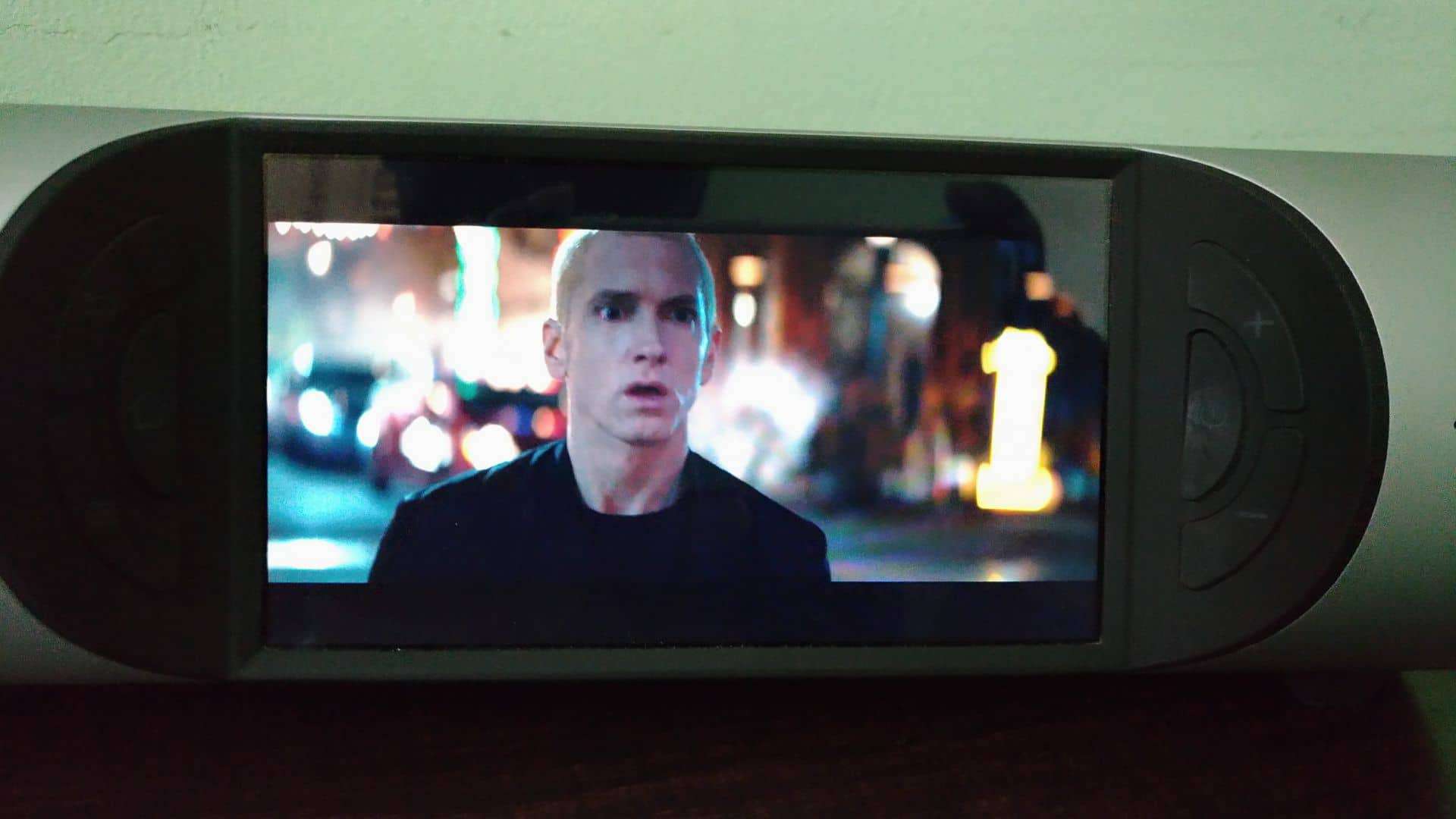
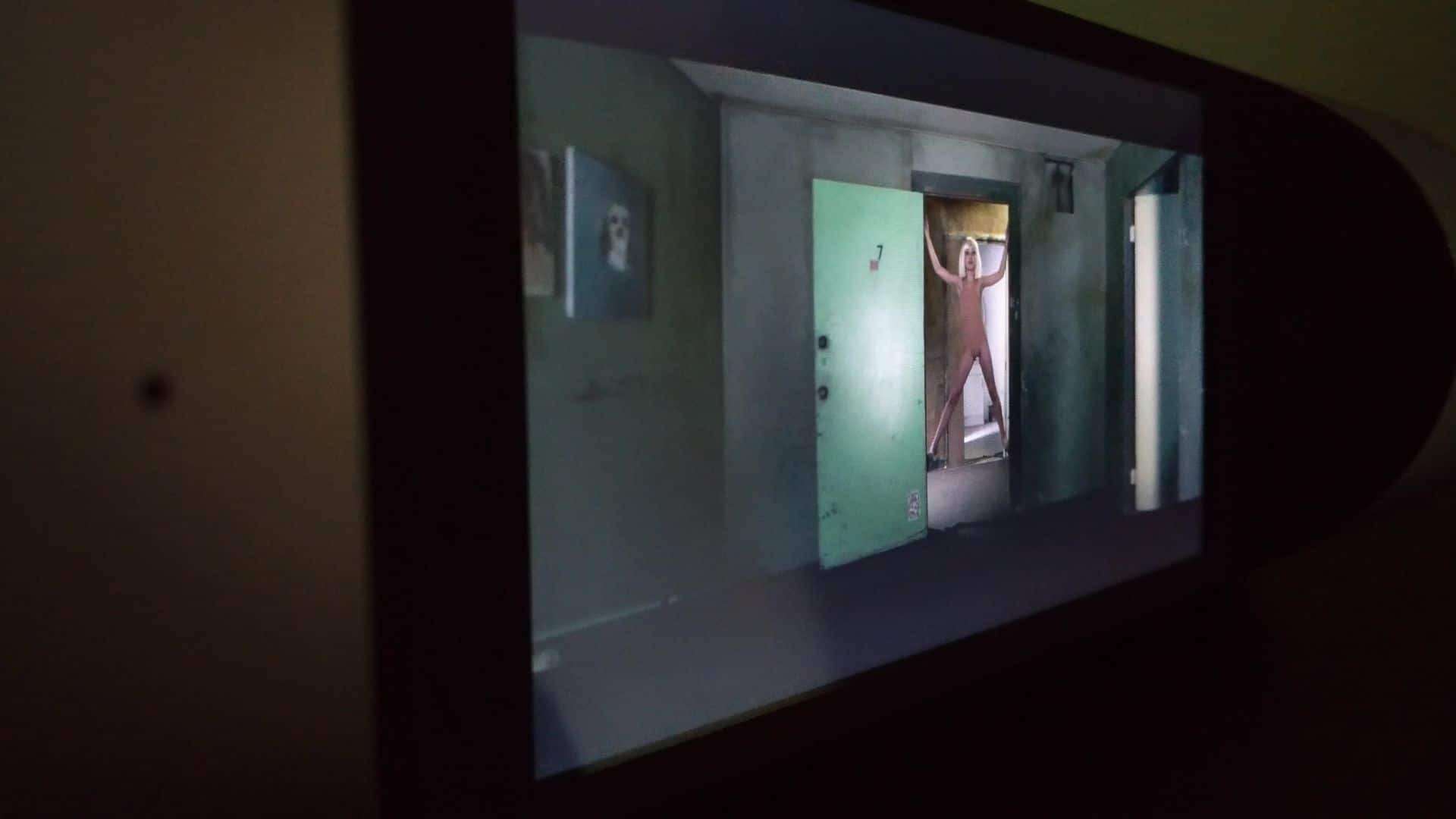
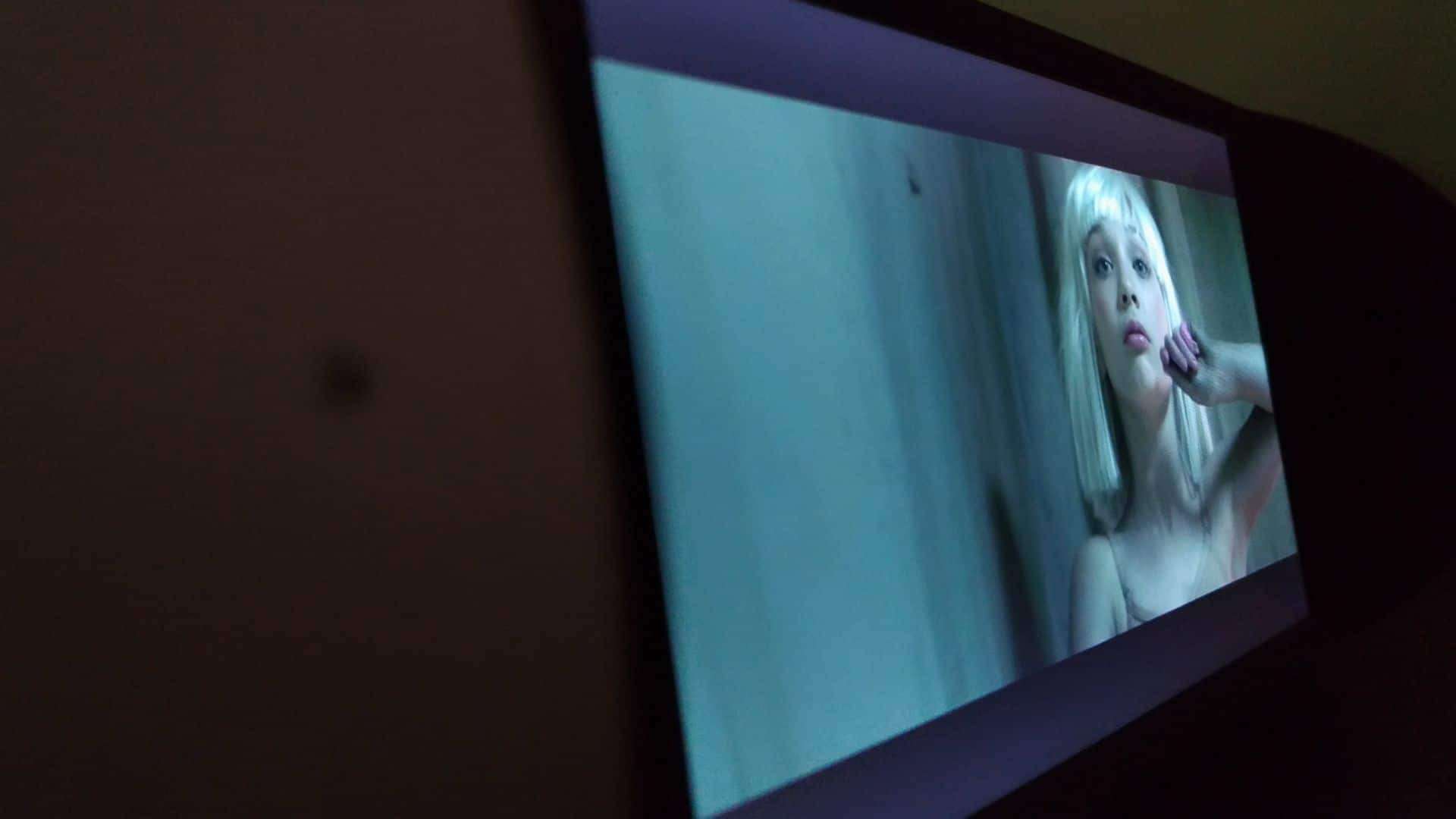
The display is vivid and has a 178 degrees wide-angle. So, whichever way you look at the screen, you don’t see the glares. I tried playing some videos and Here’re a few screenshots how the screen looks like.
Performance:
“The best part I need to talk about is the sound quality!
Sound Quality:
The device came with two videos and a bunch of favorite songs, and here’s how it looks like while playing a video on an MX player.
I didn’t like the music player UI as it is not appealing, but it’s okay, as it is serving its purpose of playing the music file.
I’ve installed my favorite music app – MusixMatch and tried customizing the sound [Equalizer]. This is what you should also do, to hear a balanced treble and bass, as the actual sound player doesn’t come with any customizations.
Battery Life:
In the box, they mentioned it would live for 6-8 hours, but as far my test went, it lived for almost 5 hours. The standby time is also pretty small, as in 6 hours, I saw a drop of 50% in battery life. I believe it happened as of background applications and the Bluetooth. But, in less than 2 hours, it charges up to full, and you can start using it again.
Pros & Cons:
This gadget is the best buy in every way, and the only con I see is the battery life. I believe with a significant software update, the team behind ZBINNO can fix it.
Conclusion:

Editor’s Note: It would have been a better companion even in a living room if we could have controlled the functions with a voice like we do in Amazon’s Alexa, Echo and Google Home. Hope, the next-gen Miro speaker can bring this feature, or a simple software update can enable Google Assistant. [upgrading the Android OS to Marshmallow or Nougat]